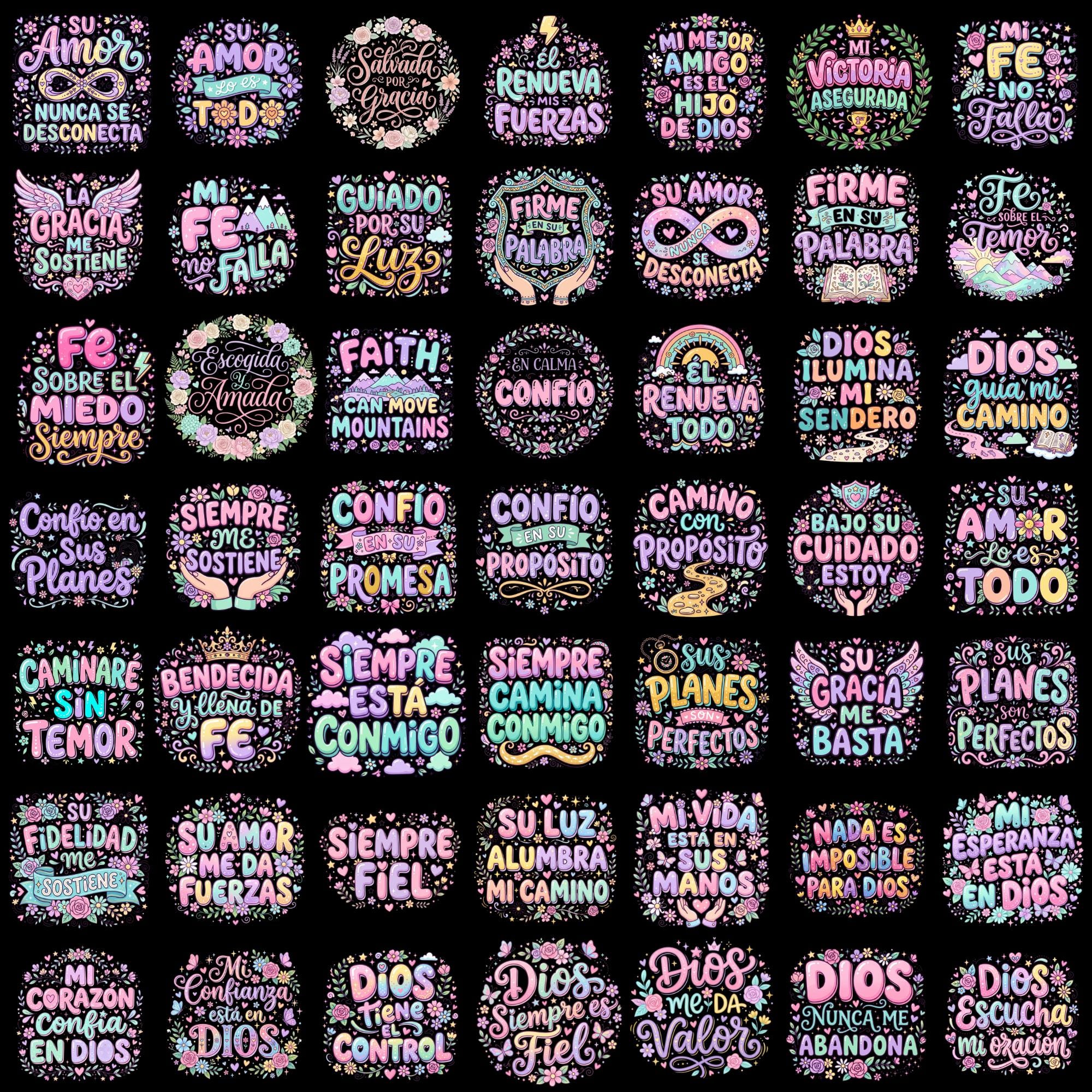
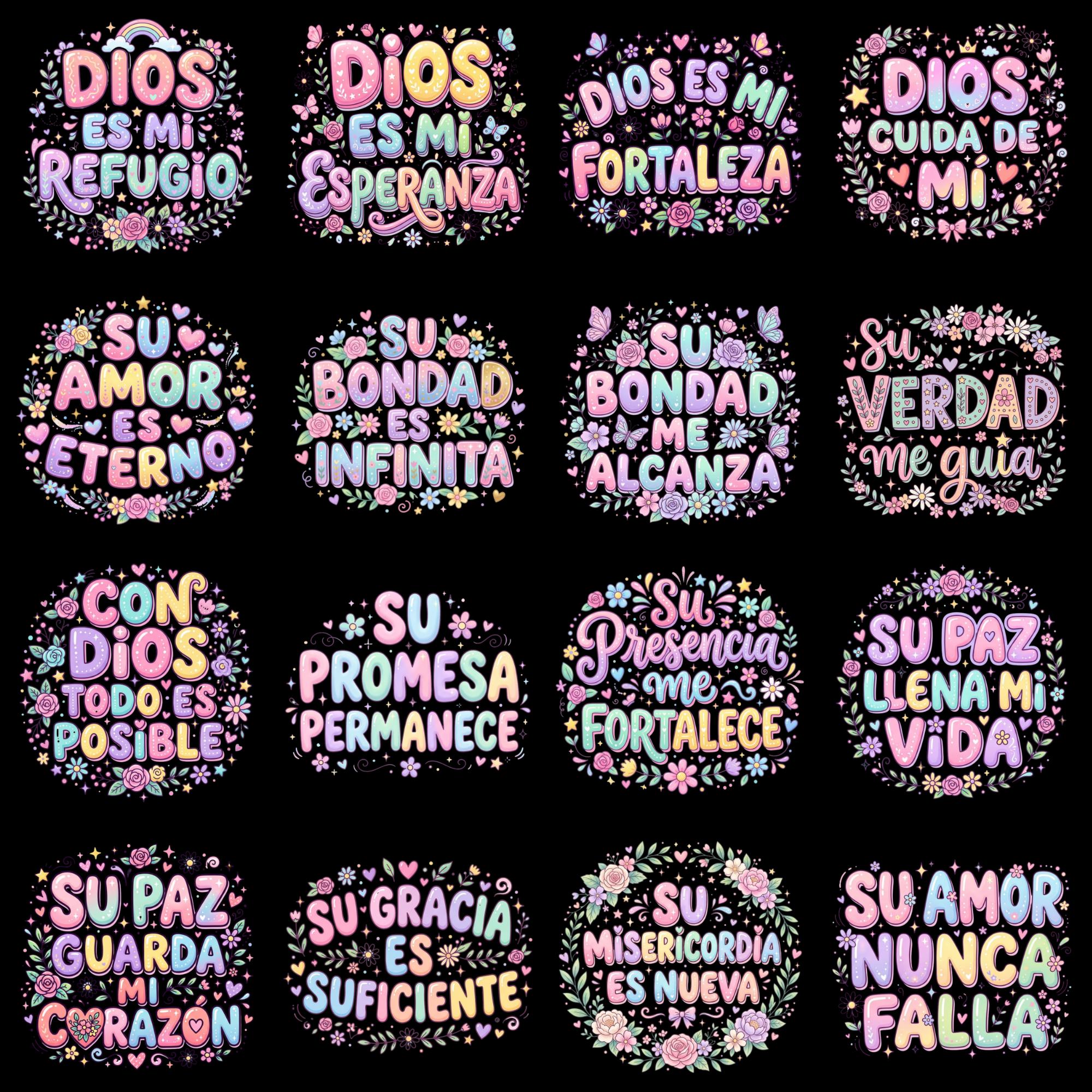
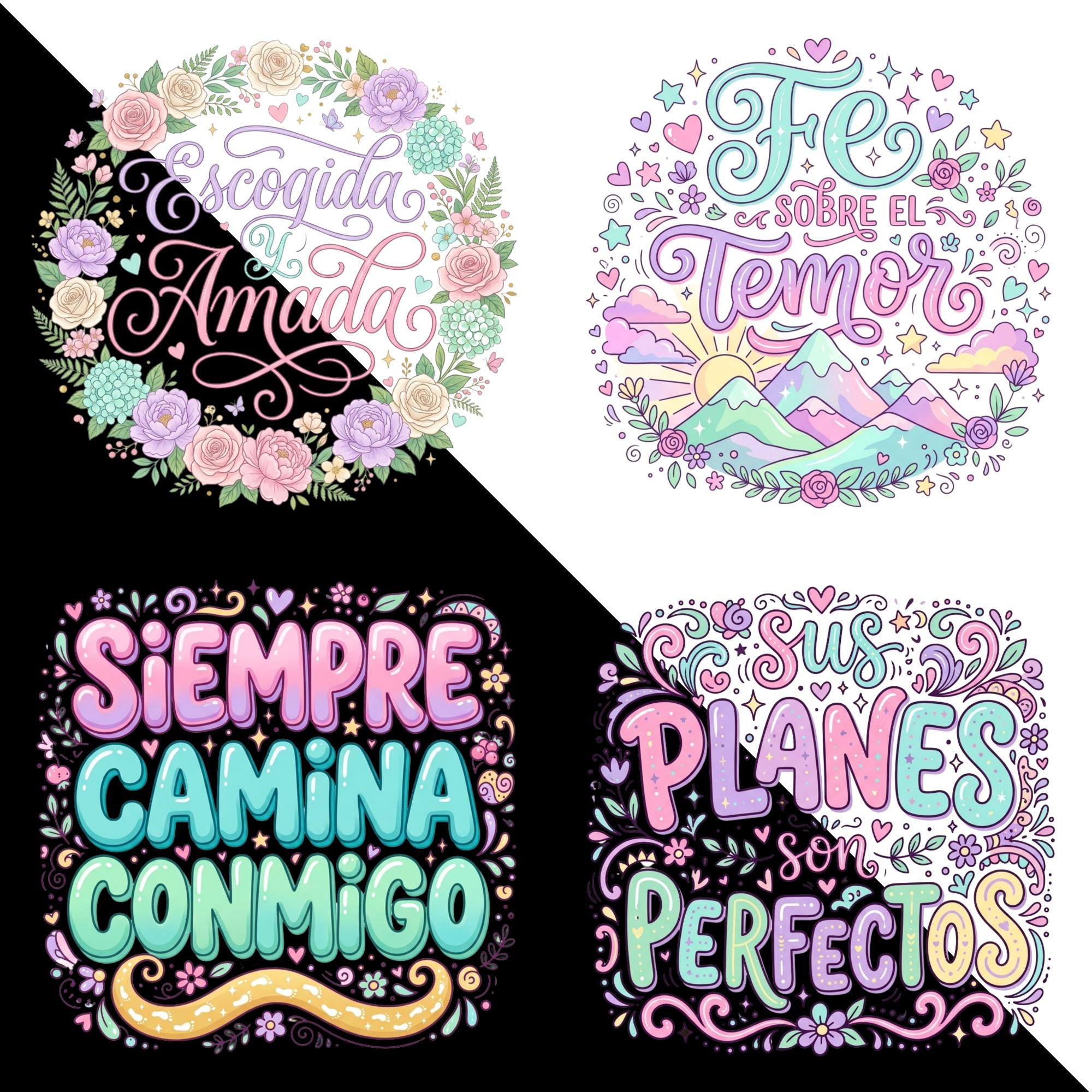
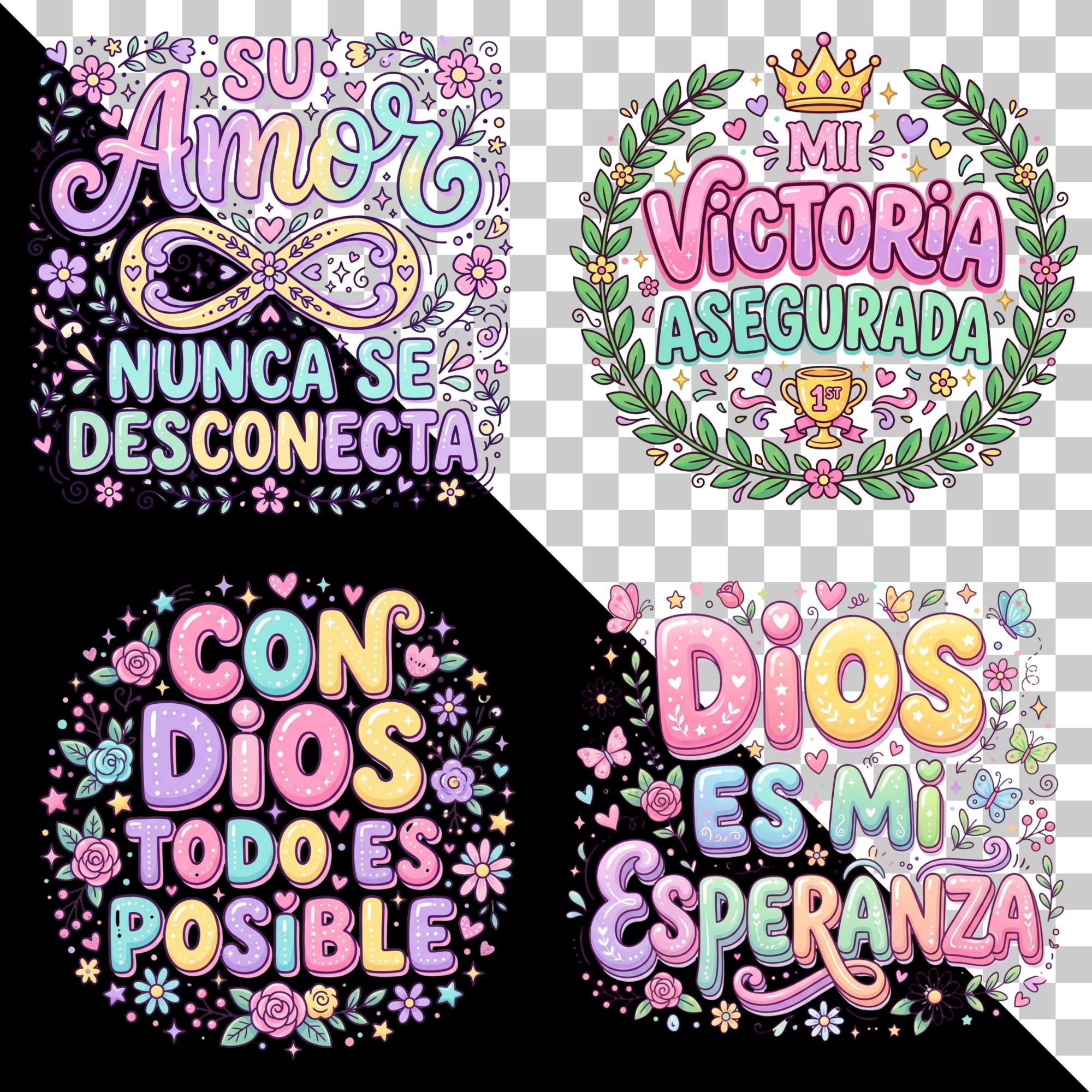
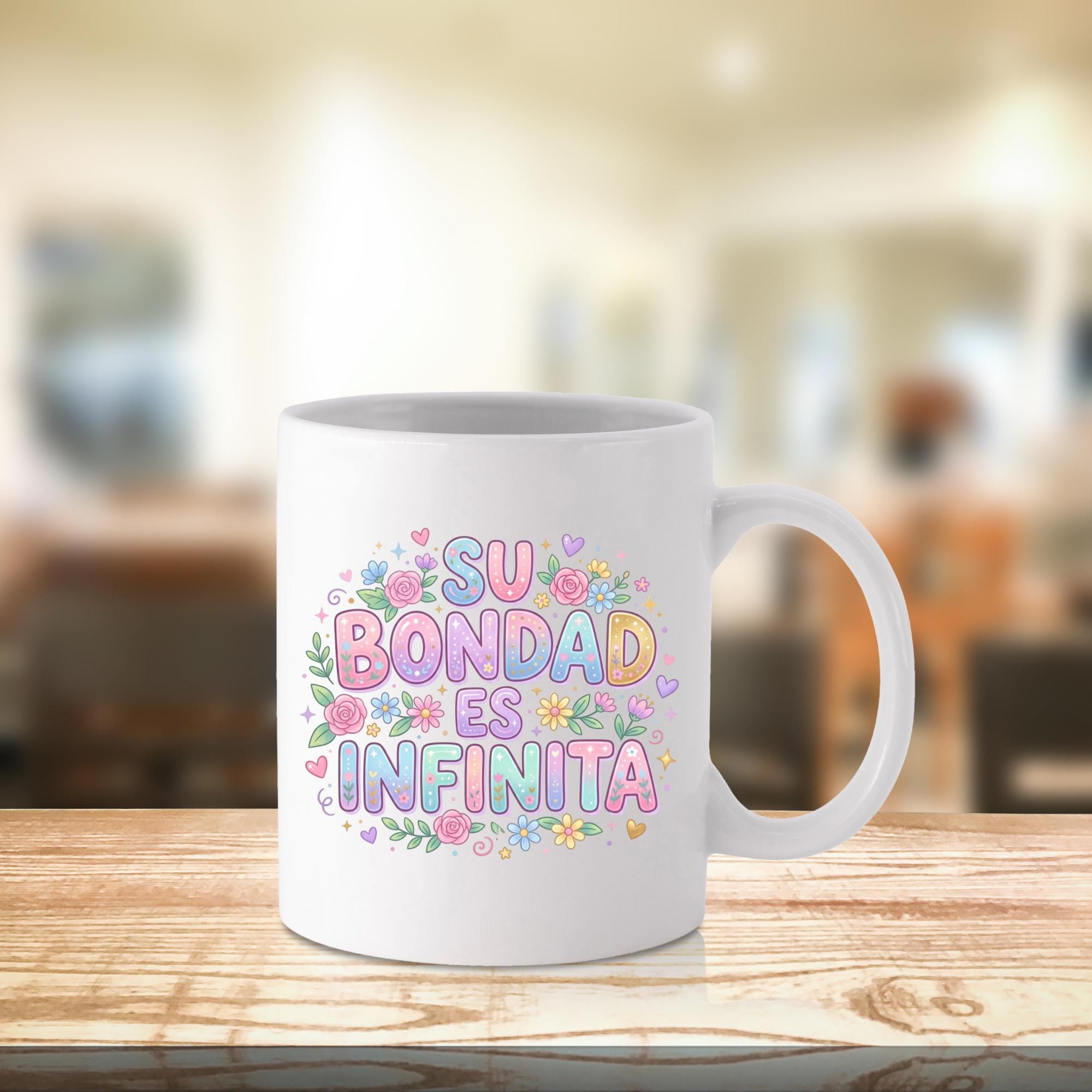
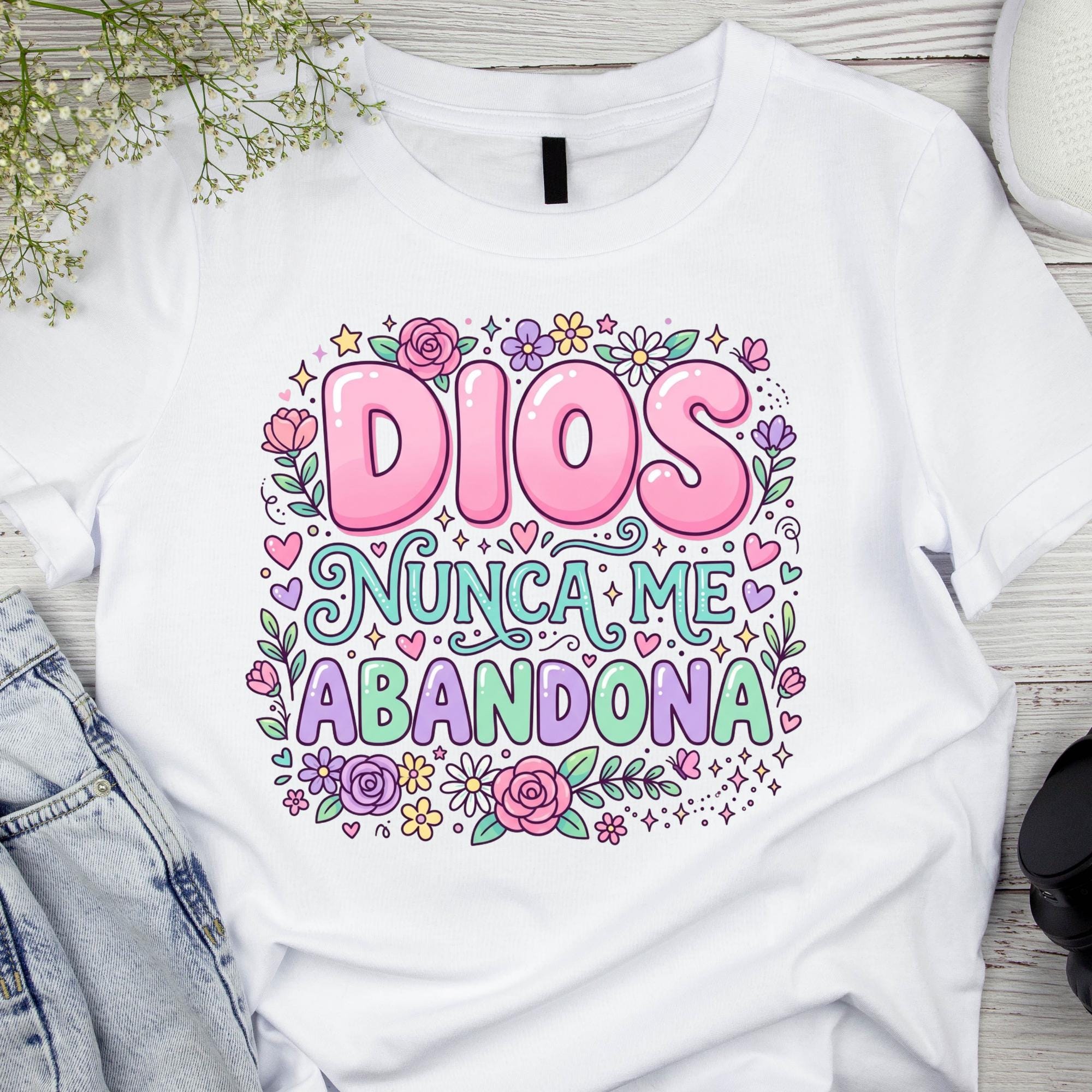
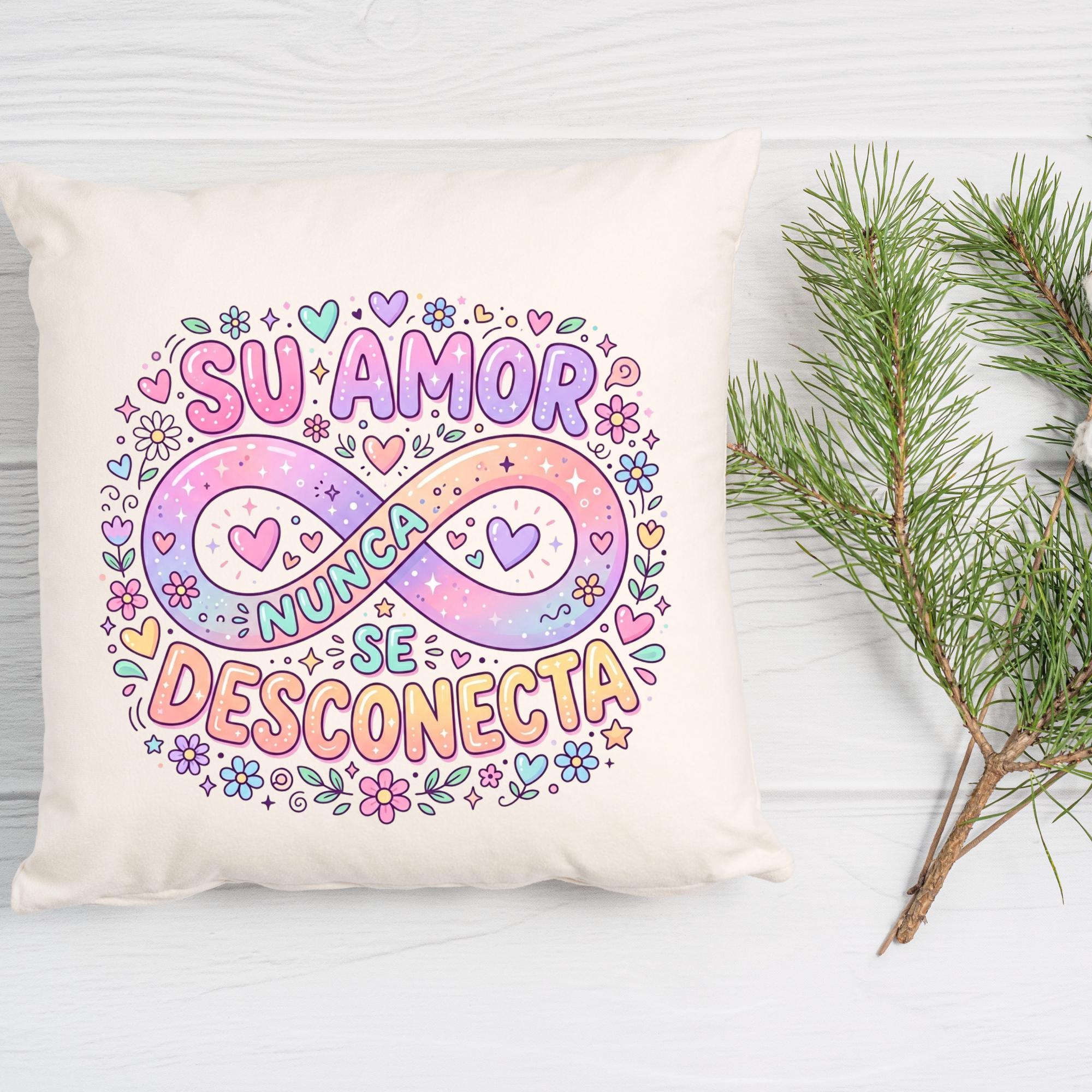
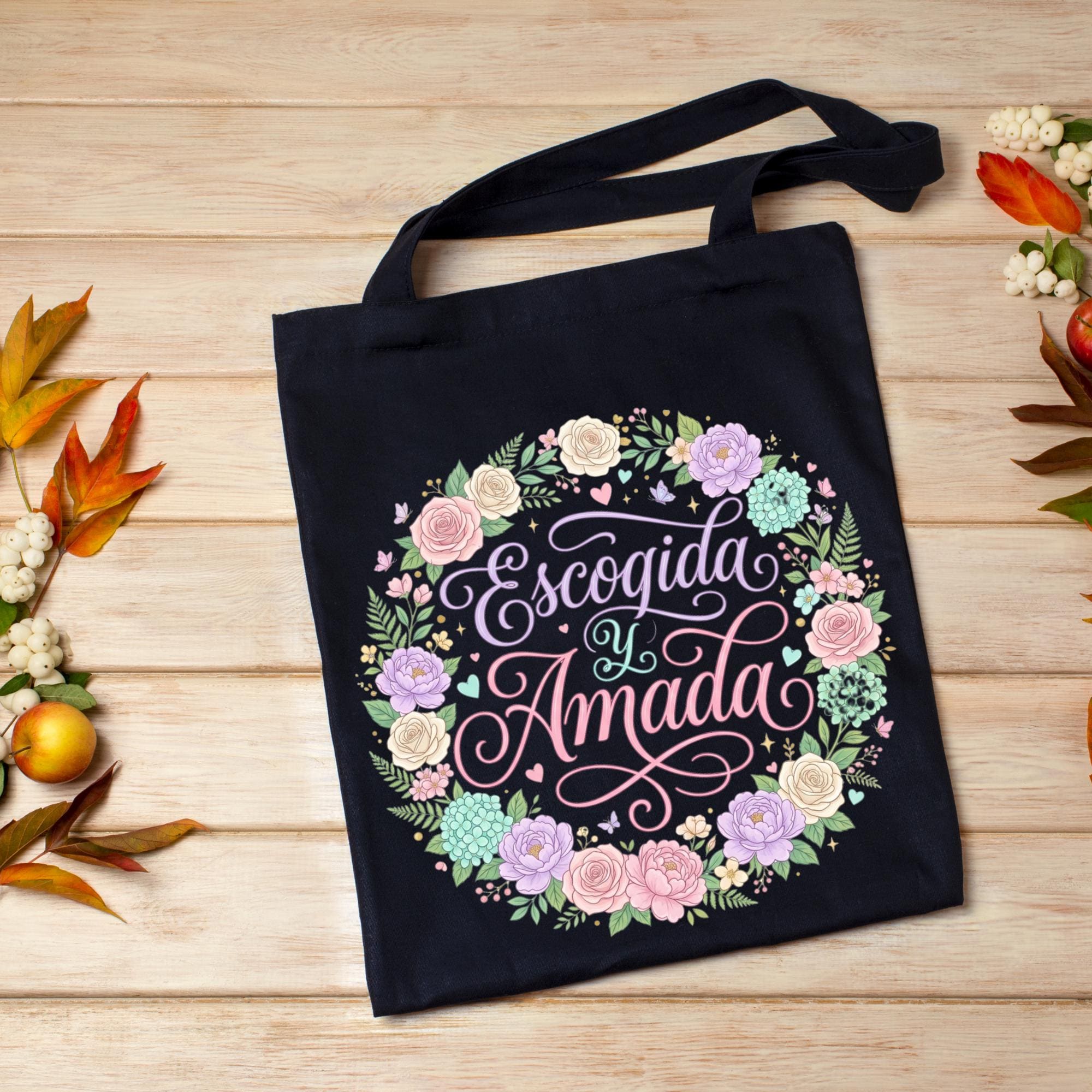
60+ Cute Girly Spanish Christian PNG Bundle, Faith Quotes in Spanish, Coquette Bow Clipart, Christian Girl Sublimation PNG, Digital Download
$0.99 $1.98
-
DetailsCute Girly Spanish Christian PNG Bundle, Faith Quotes in Spanish, Coquette Bow Clipart, Christian Girl Sublimation PNG
Celebrate your faith with this Cute Girly Spanish Christian PNG Bundle, featuring beautiful Spanish Christian quotes combined with feminine coquette bows, florals, hearts, ribbons, and stylish faith-inspired designs. These high-resolution PNG files come with transparent backgrounds, making them perfect for sublimation, t-shirts, sweatshirts, mugs, tumblers, stickers, journals, tote bags, greeting cards, and DIY craft projects. Compatible with Canva, Cricut, Silhouette, Photoshop, and other popular design software, these designs are easy to customize and print.
Created for Christian women, girls, and faith-based small businesses, this bundle is perfect for expressing biblical encouragement, love, hope, and inspiration in Spanish. Whether you're creating gifts for church events, Bible study groups, Mother's Day, baptisms, or everyday faith apparel, these elegant and uplifting designs add a meaningful touch to every project.
Ideal for Etsy sellers, print-on-demand shops, crafters, and creative entrepreneurs, this instant download bundle is suitable for both personal and commercial use. Create beautiful Christian products that inspire others while showcasing your faith with trendy girly aesthetics and heartfelt Spanish messages. -
Shipping & Policies
Digital downloads
File delivery
Your files will be available to download once payment is confirmed.
Payment Options
Returns & Exchanges
Returns & exchanges not accepted
But please contact me if you have problems with your order
Frequently Asked Questions
How to Download a Digital Item?
>Log in to your Etsy account
>Click on “You” (top right)
>Choose “Purchases and reviews”
>Find the order. Click on “Download Files” (to the right of the order)
>The file will go to your “Downloads” foldersHow do I use SVG files with Cricut?
Importing SVG Files in Cricut Design Space
>> Log in to Design Space.
>> Click the Create New Project button.
>> Click the Upload Image button.
>> Click the Vector Upload button.
>> Click the Browse button and locate the SVG file that you want to import.Custom and personalized orders
Without getting too technical, an SVG file is a file that is mathematically designed, and thus works perfectly with the Cricut and other cutting machines.
A SIMPLE GUIDE TO UPLOADING AND USING SVG FILES IN CRICUT DESIGN SPACE
https://www.colorthemoon.com/post/using-svg-files-in-cricut-design-space
Please read the blog to get the answersEPS file – what is it, and which programs can open it?
Depending on your file needs, EPS might be a format for you to look for rather than a JPEG file. EPS files, if opened in a vector-based program such as Adobe Illustrator, Corel Draw, will have the ability to be resized without loss of quality, and will also be able to be easily edited and manipulated. If you open an EPS file in a program such as Photoshop, the file will be “rasterized” (flattened) and uneditable, similar to any JPEG file.
Can you use a DXF file in Cricut design space?
Dxf files cannot contain non-vector files for Cricut Design Space image upload. Explanation – . svg and . dxf files are vector formats and Cricut Design Space uses these to create cut files that separate your designs into layers based on color.
What cutting machine and design software uses which file formats?
>>SVG files may be used with Silhouette Designer Edition, Cricut Design Space, Sure Cuts a Lot, and Make the Cut.
>>DXF files may be used with Silhouette Basic Edition, Silhouette Designer Edition, Cricut Design SpaceSVG file is not opening on Cricut?
1) Make sure your machine uses the Cricut Design Space software. Only Cricut Design Space compatible machines can use SVG files. (These are the "Explore" and "Maker" models of Cricut machines).
2) Make sure it is the SVG file that you are trying to upload. There are multiple file types included in the design folder, but only the SVG type file will work properly with the Cricut Design Space software. Please note, that if your computer has a web browser or other program set as the default program to open SVG files, the file type may be incorrectly listed within the folder. The best way to see the file types is to look at the file extension.
Continue read the next FAQ...SVG file is not opening on Cricut?
3) After confirming the above, if you are running Design Space from a browser,** check which browser you are using to launch the program. Design Space may have issues uploading some designs when using Chrome. But they should upload using Design Space on Firefox without issue.
If you are still experiencing difficulty after completing all three steps above, please send us a screenshot of the issue and a screenshot of the files you are seeing in the product folder you downloaded so that we can best provide further assistance.
**Note: We highly recommend that you upgrade to using the new Design Space software instead of running Design Space via a web browser. Cricut no longer supports the web-based version of Design Space.
Related Products